

AI Automation for Small Businesses: 12 Real Workflows Your Web Agency Will Build for You in 2026

89% of small businesses are already using AI to automate repetitive tasks. In this article, we’ll show you 12 specific workflows that a web agency can integrate directly into your website, saving you 10 to 20 hours per week.
Introduction: Why Small Businesses Waste Time on Tasks That AI Can Handle
You are answering the same customer questions every day. You manually send invoices. You copy orders from the website to Excel. You write the same emails over and over. These tasks do not make money. They steal time that you could invest in growing your business.
According to the 2026 report by Intuit & ICIC, already 89% of small businesses use AI, primarily to automate repetitive tasks and increase efficiency. Adoption of generative AI among small businesses rose from 40% in 2024 to over 58% in 2025 and continues to grow.
The good news? You do not need your own IT department to implement AI automation. A web agency that builds your website can set up these automations directly as part of the project. And that’s what this article is about.

Why AI Automation Belongs on Your Website, Not Just in Your CRM
Most companies perceive automation as something that lives in a CRM or email marketing tool. But your website is where the entire customer journey begins. Here, customers first encounter your business, here they seek answers, here they make decisions, and here they leave data.
When automations come directly from the website, you gain essential advantages: data is in one place and you don’t have to manually transfer it between systems, customer responses are immediate (not hours later when someone reads it in an email), and the entire system operates 24/7 regardless of whether you are in the office or on vacation.
A web agency that understands development and automation can set up these workflows directly into the website’s architecture. Not as an external add-on, but as an integral part of your online presence.
12 AI Workflows That Your Web Agency Can Build for You
1. Automated Responses to Frequently Asked Questions
- Goal:To respond to customers instantly, 24/7, with no manual intervention.
- How It Works:An AI chatbot trained on your content (services, pricing, FAQ) answers common questions directly on the website. If it can’t help, it automatically redirects to a live person with context from the conversation.
- Impact:According to surveys, 68% of users appreciate the speed at which chatbots respond. Customer service also functions outside of business hours, and you do not have to answer the same question twenty times a day.
2. Automated Emails for Abandoned Carts
- Goal:To regain customers who added products to their cart but did not complete the purchase.
- How It Works:When a customer leaves a cart, the system automatically sends a personalized email with a reminder after a set time (e.g. 1 hour, 24 hours), possibly including a time-limited discount.
- Impact:Abandoned cart emails have an average open rate of 45% and a 21% click rate. For an e-shop with a monthly turnover of €10,000, this can mean an additional €1,500 to €2,000 monthly without any further investment in advertising.
3. Automated Review Requests
- Goal:To get more reviews on Google, social networks, or directly on the website.
- How It Works:After completing an order or providing a service, the system automatically sends an email or SMS with a link to leave a review. The timing is set so that the customer gets prompted when they are most satisfied with the service.
- Impact:Companies with an active review request system receive 3 to 5 times more ratings. More reviews mean better ranking in local searches and increased trust among new customers.
4. AI-Generated Weekly Reports
- Goal:To have an overview of website performance and sales without manually collecting data.
- How It Works:AI automatically pulls data from Google Analytics, the e-shop, and CRM, generates a clear report with key metrics, and sends it via email every Monday morning.
- Impact:You save 2 to 4 hours weekly that would have been spent on manually collecting and formatting data. Plus, AI can alert you to anomalies (sudden drops in traffic, unusual spikes in bounce rate) that you might otherwise overlook.
5. Automation of New Client Onboarding
- Goal:To streamline the process from the first contact to the start of collaboration.
- How It Works:When a potential client fills out a contact form on the website, a welcome email is automatically sent to them with information about the next steps, a record is created in the CRM, a responsible person is assigned, and a follow-up reminder is scheduled.
- Impact:The client receives a response within seconds, not hours. No order gets lost and your team has a clear overview of the status of each inquiry.
6. Automated Meeting Scheduling and Bookings
- Goal:To eliminate email exchanges like “when is good for you” when scheduling appointments.
- How It Works:A calendar system is integrated into the website, where the customer selects an available slot according to your actual availability. A confirmation is automatically sent, with a reminder 24 hours before the meeting and a follow-up email after the meeting.
- Impact:This eliminates 3 to 5 emails for each meeting. For a company with 20 meetings monthly, that’s 60 to 100 emails that no one has to write.

7. Automated Lead Collection and Processing
- Goal:To qualify leads automatically and pass them to the appropriate salesperson.
- How It Works:A lead scoring system based on web behavior (visited pages, downloaded materials, time spent on pricing) automatically rates the potential client. Hot leads receive an immediate notification to the salesperson. Warm leads enter a nurturing email sequence.
- Impact:Salespeople can focus on leads with the highest conversion potential. No lead gets lost in the inbox.
8. AI Content Repurposing
- Goal:To leverage one piece of content across multiple channels without manual rewriting.
- How It Works:You write a blog post. AI automatically generates suggestions for social media posts, a brief email for the newsletter, a meta description for SEO, and a set of questions for the FAQ section. You only approve and publish.
- Impact:One article can be transformed into 5 to 8 pieces of content. What would take a whole afternoon can now be done in 15 minutes.
9. Automated Order Status Notifications
- Goal:To inform the customer of every step of the order without manually sending messages.
- How It Works:The system automatically sends notifications upon order receipt, payment processing, package shipment, and delivery. The customer is always informed without having to contact customer service.
- Impact:Reduces inquiries to customer support by 30 to 50%. Customers are more satisfied because they know what’s going on, and you have less work to do.
10. Invoice and Payment Reminder Automation
- Goal:To eliminate manual invoice creation and reminders for unpaid bills.
- How It Works:After completing an order or service, an invoice is automatically generated and sent to the client. If it is not paid by the due date, the system sends a reminder. Escalation happens automatically at set intervals.
- Impact:Zero manual time for routine invoicing. Reduces the average payment period by 20 to 35% because reminders come timely and consistently.
11. AI Personalization of Website Content
- Goal:To show each visitor relevant content based on their behavior.
- How It Works:A returning visitor sees products or services they previously viewed. A new visitor from a specific region sees localized offers. CTA changes according to the stage the visitor is in.
- Impact:Personalized websites have a conversion rate that is 20 to 30% higher compared to generic versions. The customer feels that the website "understands" their needs.
12. Automated Monitoring and Alerting
- Goal:To know immediately when something on the website is not functioning correctly.
- How It Works:A monitoring system tracks website availability, loading speed, error codes, failed payments, and unusual traffic patterns. In case of an issue, it automatically sends an alert to the responsible person with a description of the problem.
- Impact:Problems are addressed in minutes, not hours or days. For an e-shop, where every hour of downtime means a loss of revenue, this is a critical function.
Necessary Tech Stack (no-code friendly)
To implement most of these workflows, you do not need custom development. There are proven tools that a web agency can integrate directly into your website:
AI Assistants and chatbots: Tidio, Intercom, Crisp, or custom solutions built on OpenAI API.
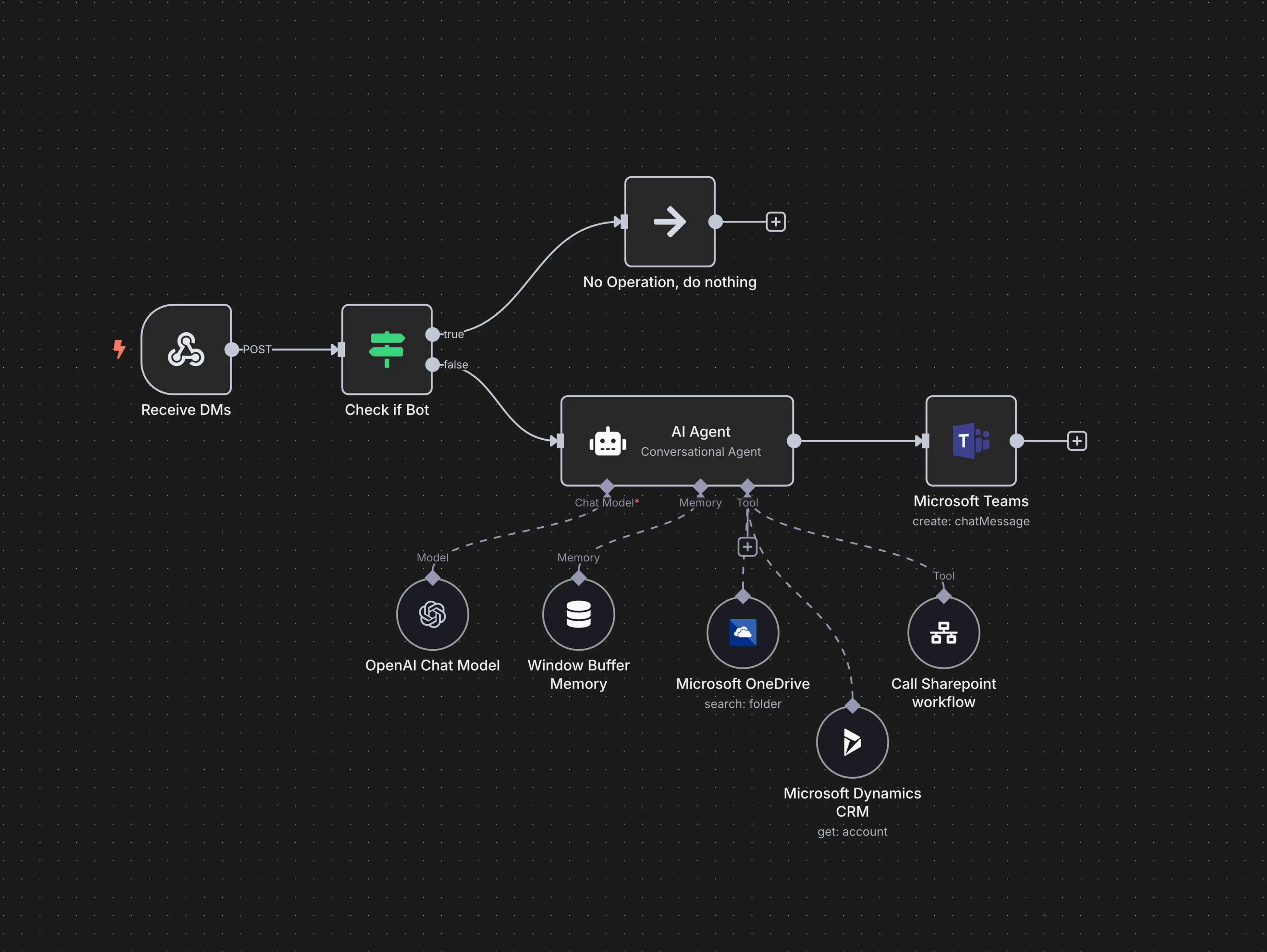
Automation Platforms: Make (Integromat), Zapier, n8n for connecting systems.
CRM: HubSpot, Pipedrive, or custom solutions for managing clients and leads.
Email Marketing: Mailchimp, Brevo (Sendinblue), Resend for automated campaigns.
Scheduling: Calendly, Cal.com for bookings and meetings.
Invoicing: SuperFaktúra, Billdu for automating accounting processes.
The key is not to choose the most expensive tool, but to connect it correctly with your website and amongst each other. That’s where the added value of a web agency comes in, one that understands both development and automation.
Implementation Plan for Small Businesses
- Discovery (1 week)
- We will map your current processes and identify the tasks that take the most time and are best suited for automation. We will find out which tools you are already using and where the biggest gaps are.
- Selecting Pilot Workflow (1 week)
- We start with one high-impact and low-complexity workflow. Typically, this involves automated responses to FAQs, email sequences, or reservation automation.
- A quick result builds trust and shows value.
- We start with one high-impact and low-complexity workflow. Typically, this involves automated responses to FAQs, email sequences, or reservation automation.
- Implementation and Testing (2 to 4 weeks)
- We will set up the automation, connect the systems, test in real scenarios, and fine-tune.
- Thorough testing before deployment in the live operation is important.
- We will set up the automation, connect the systems, test in real scenarios, and fine-tune.
- Rollout of Additional Workflows (ongoing)
- After a successful pilot, we gradually deploy other automations based on priority. Every new workflow brings additional time and cost savings.
- Monitoring and Optimization (continuous)
- Automations are not “set it and forget it”. We regularly evaluate, optimize, and adapt to the changing needs of your business.
Risks and Best Practices
AI automation brings huge advantages, but it is crucial to implement it responsibly.
Data Protection: Every automation that works with customer data must comply with GDPR. Clear consent for processing, transparent conditions, and secure data storage are essential.
Human Oversight: An AI chatbot should not respond to critical questions (complaints, legal issues) without the option to escalate to a live person. There must always be an option to contact a human.
Avoiding Over-Automation: Not everything needs to be automated. A personal phone call after a large order, a handwritten thank you to a VIP client. Sometimes the human touch is exactly what sets the customer apart from the competition.
Testing Before Deployment: Test every automation thoroughly in real scenarios. Faulty automation can do more harm than no automation at all.
Real-Life Example: Dental Clinic in Žilina
Situation: A small dental clinic with 3 dentists and 2 receptionists. The reception spends 3 to 4 hours daily answering phone calls (opening hours, available appointments, pricing), manually sending reminders, and transcribing orders from the form to the calendar.
Implemented Workflow: An automatic chatbot on the website answers frequently asked questions (opening hours, pricing, procedures for urgent issues). An online booking system directly on the website, linked to doctors’ calendars. Automated reminders 48 hours and 2 hours before the visit. An automated request for a Google review 24 hours after the visit.
Result: The reception saved 2.5 hours daily. The number of no-shows for appointments decreased by 40%. The number of Google reviews doubled in 3 months. The clinic gained 15 new patients monthly directly through online bookings, without calls.
How Your Web Agency Can Help You
Most small businesses do not have the time or capacity to set up automations themselves. That’s why we offer automations as part of website creation or as a standalone service.
- Startup Package: 1 to 2 workflows (chatbot + email sequence or reservation system). Ideal for businesses looking to try automation without a large investment.
- Growth Package: 4 to 6 workflows including lead scoring, reporting, and personalization. For businesses wanting to systematically automate processes and scale.
- Maintenance and Optimization: Regular evaluations, adjustments, and extensions of automations based on data and changing needs.

Automation Is Not a Luxury. It Is a Competitive Advantage.
Companies that automate repetitive tasks save 10 to 20 hours a week, respond to customers faster, and make fewer mistakes. This is not a theory. These are real results that small businesses are achieving around the world.
The best time to start was a year ago. The second-best time is now.
Questions to Prepare for a Consultation Call:
- Which tasks in your company take the most time and are most repetitive?
- What tools are you currently using (CRM, email, invoicing)?
- How many customer inquiries do you manage manually each day?
- Which workflows would you like to automate first?
- What budget do you have for automation in the upcoming quarter?
Do you want to know which workflows make the most sense for your business? Order your free AI automation blueprint, where we will map your processes and propose concrete steps. Write to us at hello@metinas.com or schedule a consultation call.
Selected projects
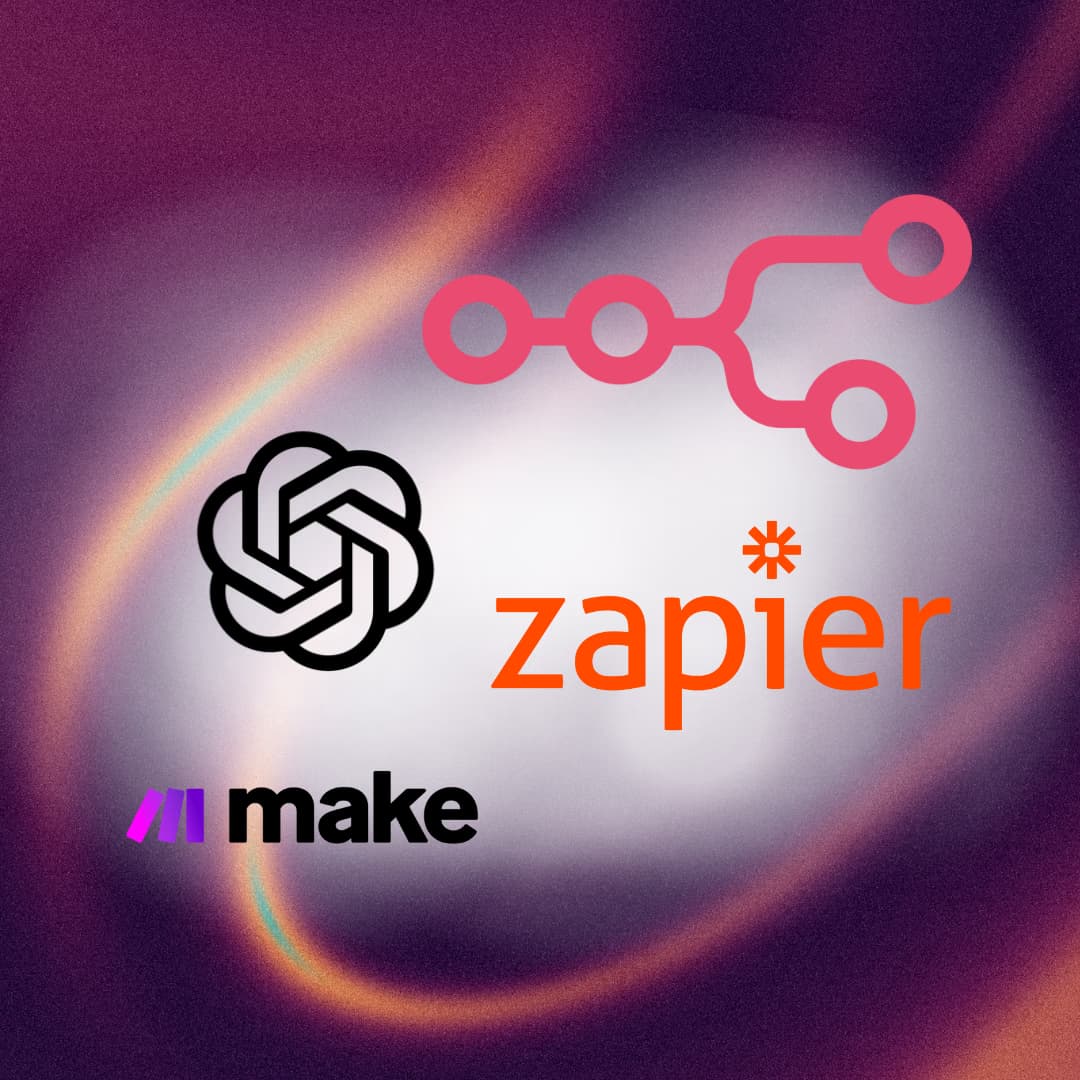
Image Optimizer - METINAS
Category
Custom Development
Client
METINAS s.r.o.
Duration
1 week
KATALOGDOMU.COM
Category
Custom Development
Client
MEDIA EXCELLENT, s.r.o
Duration
3 weeks
