
A Slow Website Costs You Customers: How to Find Out in 5 Minutes

Each additional second of loading time decreases conversions by 7%. We will show you how to measure your website speed, what the numbers really mean, and where to look for the cause of the problem.
A slow web costs you customers: how to find out in 5 minutes
Google has made it clear: page speed is a ranking factor. But more important than Google is what your customers do. Amazon found that every 100 milliseconds of delay costs them 1% of revenue. Walmart recorded a 2% increase in conversions by speeding up their page by 1 second. For an average Slovak e-shop, this could mean a difference of tens of thousands of euros per year.
If your website takes more than 3 seconds to load, a quarter of visitors will leave before they even see your product. And those who stay will buy less than they could.
In this article, we will show you how to measure your website's speed for free, what individual metrics mean for your sales, and where the most common causes of the problem lie.
How much a slow website costs you in practice
Let's get specific. Imagine an e-shop with a monthly revenue of €30,000, an average conversion rate of 2%, and 50,000 monthly visitors.
If the loading time increases from 2 seconds to 4 seconds:
- The conversion rate is estimated to drop by 7–14% according to a Deloitte Digital study “Milliseconds Make Millions”, which analyzed the behavior of 37 million sessions.
- This is a drop from 2% to ~1.73%.
- With the same traffic, it means 135 fewer orders per month.
- If the average order is €60: a loss of ~€8,100 per month.
This is not a theoretical threat. This is what your website looks like today if it is slow.

How to measure your website's speed (for free, in 5 minutes)
There are two tools you need to know how to use:
Google PageSpeed Insights Enter the URL of your main page as well as a typical product page. The tool will give you a score of 0–100 and break it down into mobile and desktop versions. Don’t focus just on the number, the specific metrics below are more important. It’s free, no registration needed, and you see the results instantly.
Google Search Console → Core Web Vitals report If you have GSC set up, you’ll find real data from your visitors, not just lab measurements. This is a truer picture of what customers actually experience.
What the abbreviations mean (in layman’s terms)
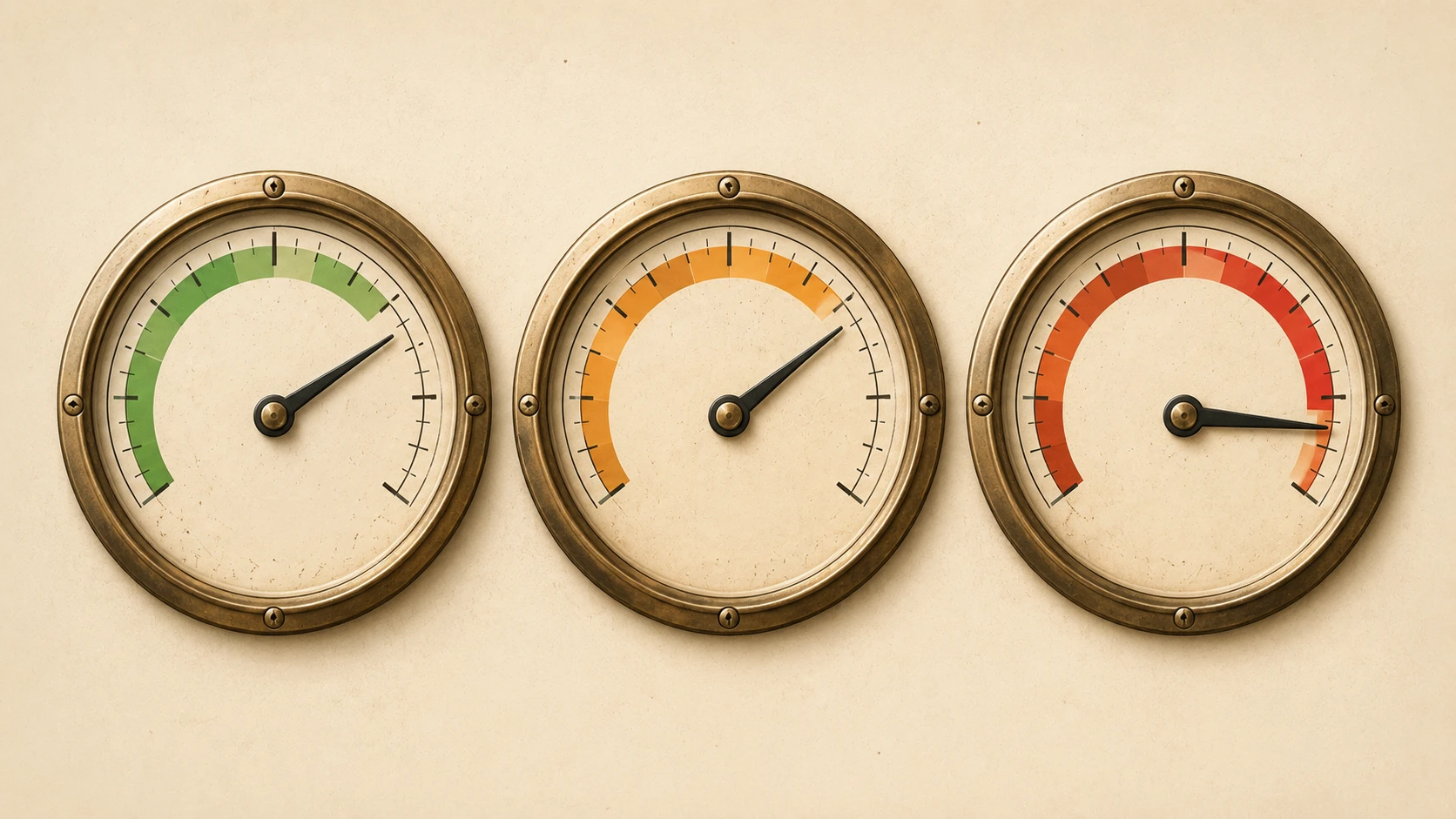
LCP — Largest Contentful Paint When the largest visible element of the page loads, usually a hero image or main H1. Google considers it good: under 2.5 seconds. Above 4 seconds: a problem.
Why this matters: LCP is the first moment when the customer sees that the page is “alive.” If it takes too long, the customer has no idea whether anything is loading at all and closes the tab.
INP — Interaction to Next Paint How quickly the page responds when you click on something. Under 200 ms: good. Over 500 ms: the customer clicks and nothing happens = a feeling of a broken website.
CLS — Cumulative Layout Shift Whether elements on the page move during loading, for example, a button shifts just as you click on it. Under 0.1: good. Above 0.25: frustration and unwanted clicks.
5 most common causes of a slow e-shop
1. Unoptimized images
This is by far the most common issue. A product image uploaded directly from the camera typically has 4–8 MB. On the web, it should be 80–200 kB. Modern formats like WebP and AVIF are 30–50% smaller than JPEG at the same visual quality.
Solution: compress before uploading through a tool like METINAS Image optimizer (free, in-browser), or automatic optimization natively in Shopify or via a plugin in WooCommerce.
2. Too many third-party scripts
Every chat widget, every tracking pixel, every A/B testing tool adds loading time. Count how many third-party scripts your website loads; it’s usually 10–20, with half being unnecessary or can be deferred (lazy load). A chat widget that loads only after 3 seconds won’t annoy anyone but will noticeably speed up your website.
3. Slow hosting or server
Cheap shared hosting means shared resources. If your server responds slowly, time to first byte (TTFB) over 600 ms, no other optimization will help you much. Solution: switch to VPS, better managed hosting, or CDN (Content Delivery Network), which distributes content from servers closer to your customers.
4. Missing lazy loading of images
Images and videos below the fold, that is, below the first screen, do not need to load immediately when the page opens. Lazy loading loads them only when the customer scrolls to them. A simple technical change with measurable impact on LCP. In HTML, just the attribute loading="lazy" is enough, most platforms have it as a setting.
5. Too many plugins (WordPress/WooCommerce)
Every plugin adds code that needs to be processed. E-shops on WooCommerce with 30+ plugins suffer because of this. Regular audits of plugins, what you actually use vs. what is just installed, can significantly improve speed without other interventions.
What you can fix yourself
- Compress images before uploading
- Activate lazy loading of images
- Disable plugins and applications that you don’t actively use
- Check and remove unnecessary third-party scripts
What requires a developer
- Switch to faster hosting or CDN
- Technical code optimization (minification of CSS/JS, critical CSS)
- Solve CLS issues caused by layout
- Implement server-side caching
- Comprehensive performance audit with a specific action plan
Conclusion
Website speed is not just a topic for developers. It is a business metric directly related to how many customers stay, how much they buy, and whether Google recommends you or not.
Most issues have specific solutions. The bad news is that without measuring you don't know where to start. If you want to know exactly where your website is losing speed and what it costs in revenue, we will gladly provide you with a free speed audit. No commitment, with specific recommendations.
If you are dealing with something similar and don’t know where to start, contact us directly; we would be happy to look into your specific case. You can contact us via the contact form.




Selected projects
Gumotex
Category
E-commerce
Client
GUMOTEX Coating s.r.o.
Duration
4 months
Petmiska
Category
E-commerce
Client
Next Point Company s. r. o.
Duration
2 months

Dr. LUCULLUS
Category
Custom Development
Client
Dr. Lucullus MEDICAL
Duration
March 1, 2025 - present

GUMIDECK - Eshop
Category
E-commerce
Client
GUMIDECK
Duration
2 weeks