Migration from WooCommerce to Shopify: When It Makes Sense and What to Expect

Is WooCommerce slowing you down, costing more than you expected, or exhausting you with endless plugin management? Find out when migrating to Shopify really makes sense – and what to expect during the transition.
Migration from WooCommerce to Shopify: when it makes sense and what to expect
It started innocently. One shipping plugin, another for invoices, a third for discount coupons. Then came a WordPress update that broke the payment module. Then hosting that couldn't keep up with the influx of visitors before Christmas! And suddenly you are spending more time managing the eShop than actually selling.
If this sounds familiar, you are not alone. WooCommerce today powers an estimated 33.4% of all e-shops in the world – making it the most widely used platform on the market. However, being widespread doesn't mean it's the most suitable for everyone. Many e-shop owners decide each year to make a change and move their entire business to Shopify. Some regret it. Others say they should have done it three years earlier.
The difference between them is not luck. It is a well-considered decision.
Why people are considering leaving WooCommerce
WooCommerce is an open-source solution built on WordPress. This is both its biggest advantage and its biggest burden at the same time. The freedom of configuration that attracts developers quickly turns into a duty for the average entrepreneur to manage a complex technology stack – hosting, SSL certificate, backups, security patches, plugin compatibility, and dozens of other things that are not directly related to selling.
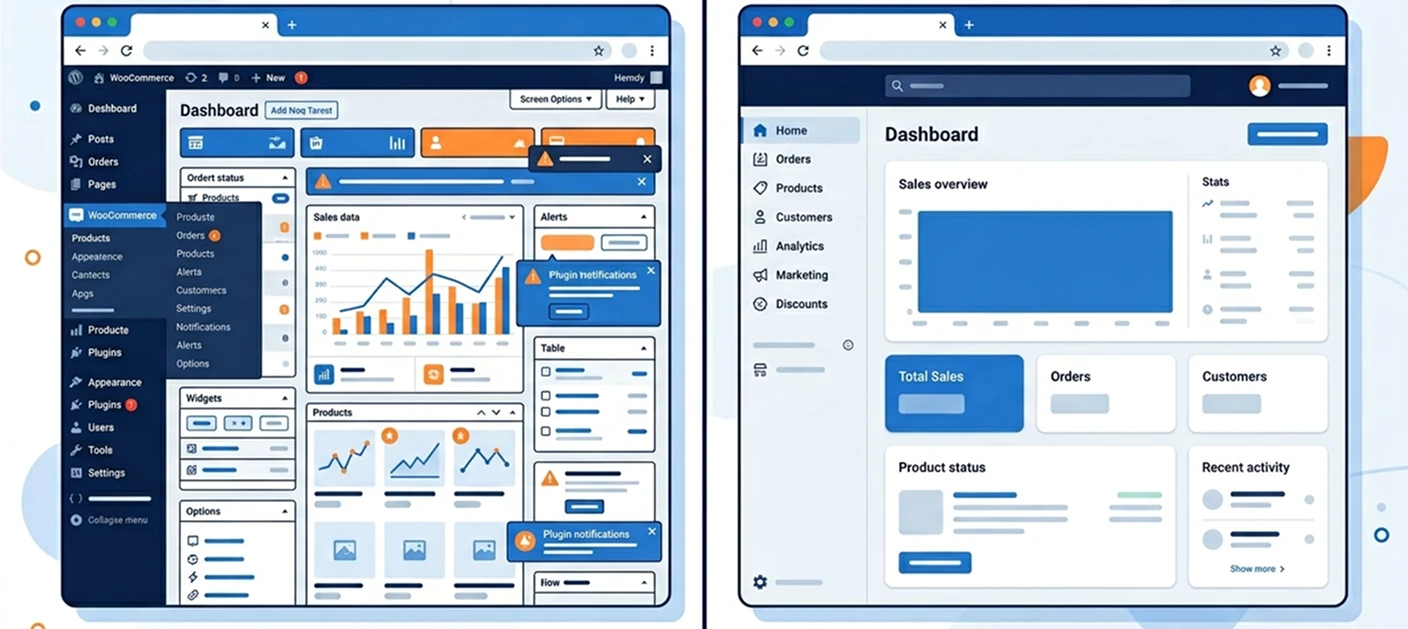
Research by LinearLoop conducted in 2026 shows that WooCommerce has an average of 41% higher operational and support costs compared to Shopify. Not because the platform itself is more expensive – WooCommerce is free. But when you factor in hosting, security plugins, paid extensions, and time or money spent resolving technical issues, total cost of ownership (TCO) for WooCommerce appears on average 36% worse than for Shopify according to the same source.
And we have not even accounted for security risks. In April 2025, a critical vulnerability in the WooCommerce Square plugin (CVE-2025-13457) was uncovered, affecting over 80,000 active installations and allowing attackers access to stored customer credit card tokens – without any authentication. In December 2025, a further vulnerability in the WooCommerce core (CVE-2025-15033) was patched, affecting versions 8.1 through 10.4.2, through which logged-in customers could access other people's orders. These are not hypothetical scenarios. These are real CVE records with real impacts on real businesses.
When migration truly makes sense
Not everyone should migrate. Shopify is not a solution for everyone, and a blanket recommendation in one direction would be misleading. However, there are specific situations where transitioning to Shopify makes clear business sense.
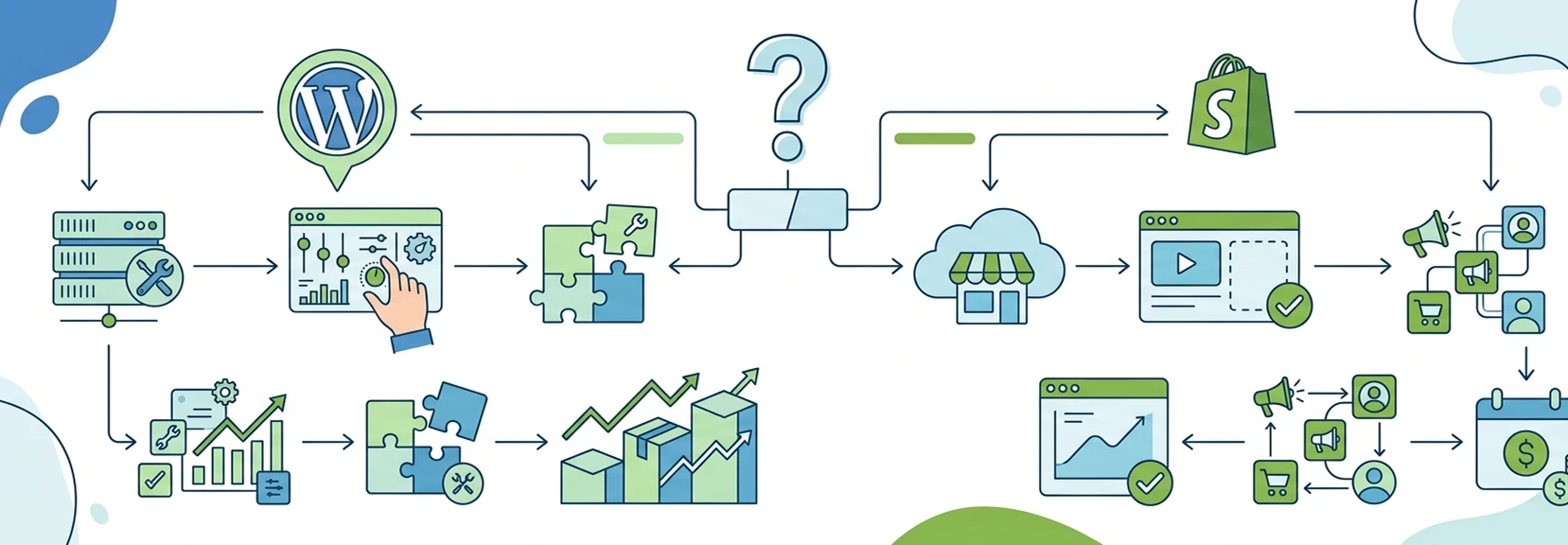
The first case is when you don't have your own developer or a reliable agency, but WooCommerce is still growing out of your hands. Every update is a roulette – it either goes smoothly or breaks something that was working. In that case, you are paying unpredictable costs for unpredictable problems, and Shopify with its SaaS model – where hosting, security, and updates are taken care of by the platform itself – significantly reduces this uncertainty.
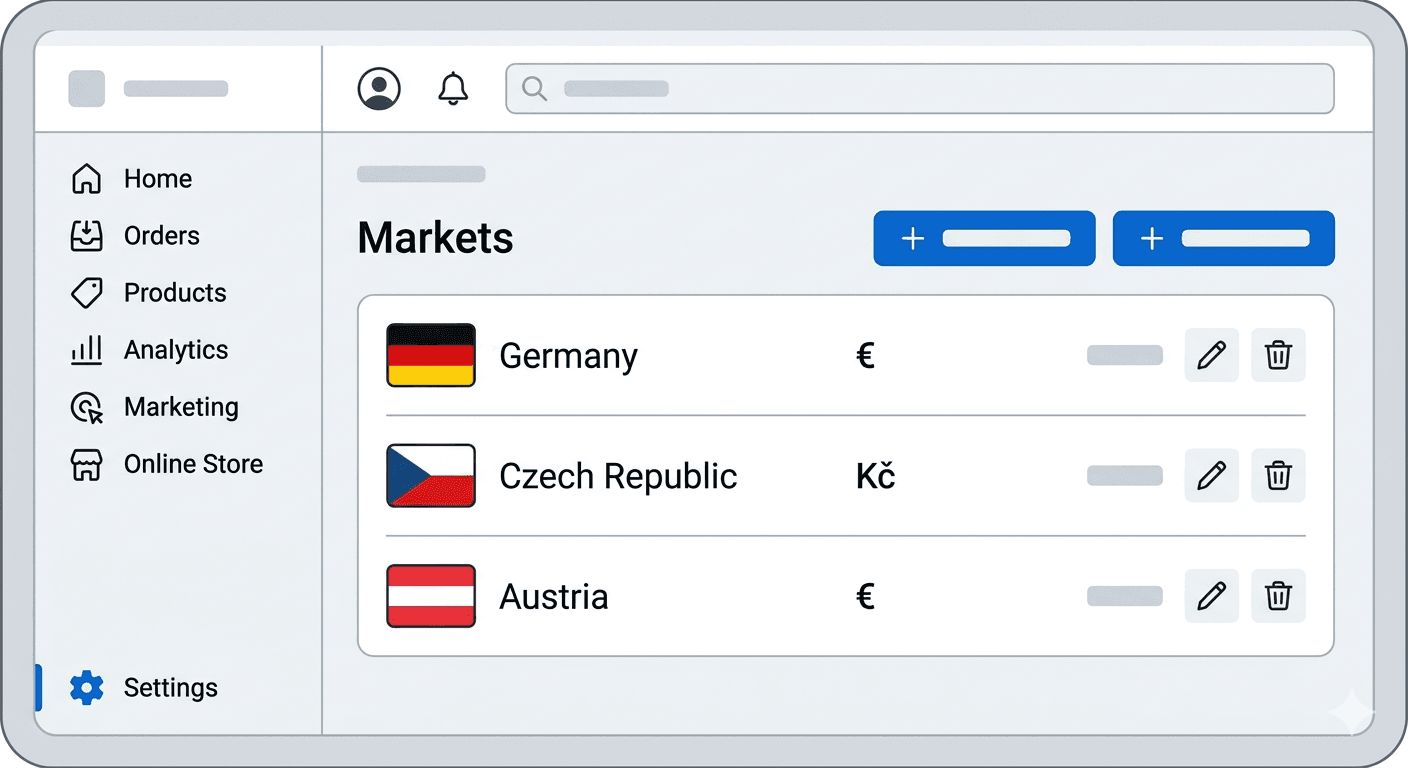
The second case is cross-border growth. If you are selling or planning to sell in multiple countries, in different currencies and languages, Shopify Markets is designed specifically for this purpose. Setting up the equivalent on WooCommerce is possible, but it requires a combination of plugins that don't always communicate elegantly with each other.
The third case is performance and conversion rate. WooCommerce has the property that as the number of plugins increases, so does the load on the database and the loading time of the page. Not because of the sheer number of plugins, but because each plugin adds code that executes on every page load – even when it is not needed on that specific page. Shopify runs on Fastly CDN infrastructure, and its performance parameters are consistently more predictable for most standard e-shops.
The fourth case is purely business-related: if your time is more valuable than the difference in monthly subscription costs. Shopify Basic starts at $29 per month and includes hosting, SSL, and automatic updates. WooCommerce is free, but agencies managing WooCommerce environments often charge hundreds of EUR per month, and that still doesn't include resolving unexpected issues.
When on the other hand, leaving doesn't make sense
Shopify has its limitations, and ignoring them would be a mistake.
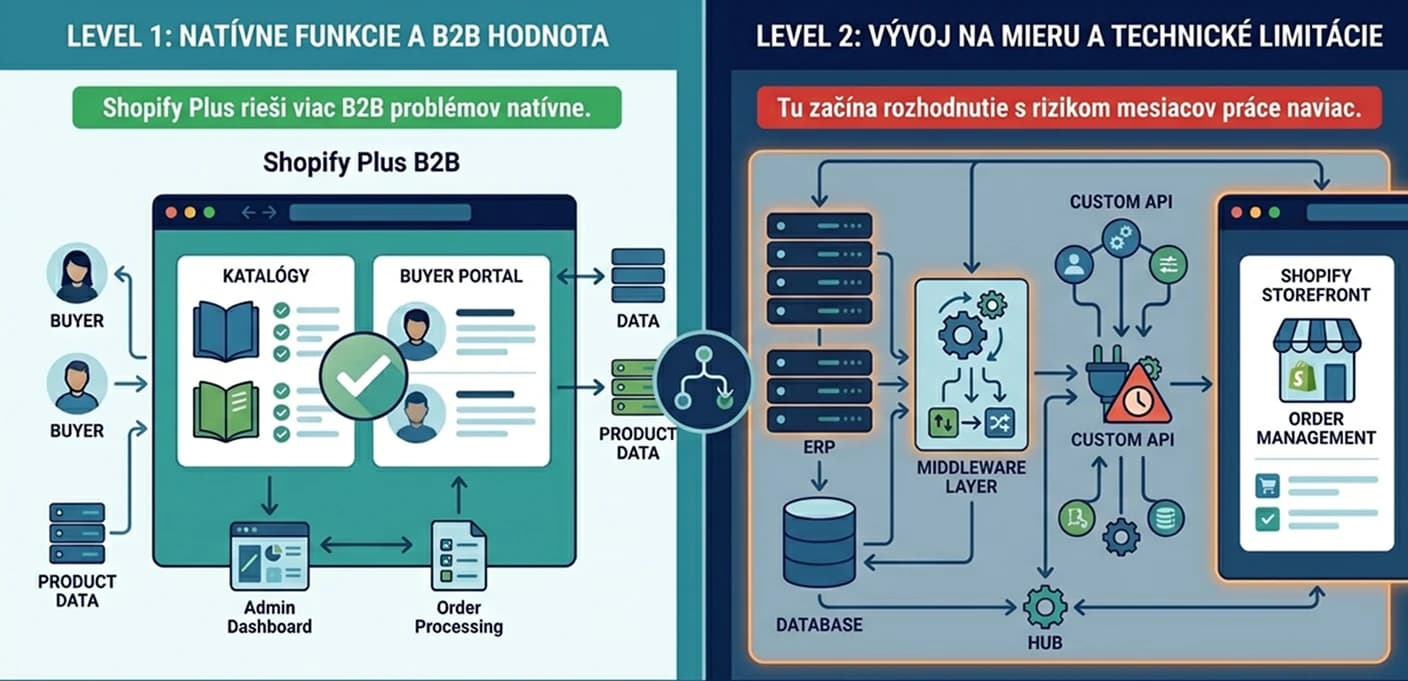
If you have highly specific B2B requirements – such as individual pricing for different buyers, integration with your ERP system, or complex order approval logic – WooCommerce in combination with custom development gives you much greater freedom. Shopify Plus addresses these scenarios through Shopify Functions, but at the expense of a higher subscription fee and still with certain limitations on where you can intervene in the platform.
If you have a developer side at your company who is deeply familiar with WordPress, the total costs of WooCommerce could be lower, and transitioning to another platform does not provide the added value that would justify the migration costs.
And if your e-shop is closely intertwined with a content system – for example, you have an extensive blog, knowledge base, or member portal built on WordPress – Shopify simply isn't as strong in this area, and migrating would mean addressing these parts of the ecosystem as well.
What to expect during migration
Migrating from WooCommerce to Shopify is not a simple click-and-done. It is a project that needs to be approached with the same seriousness as launching a new e-shop.
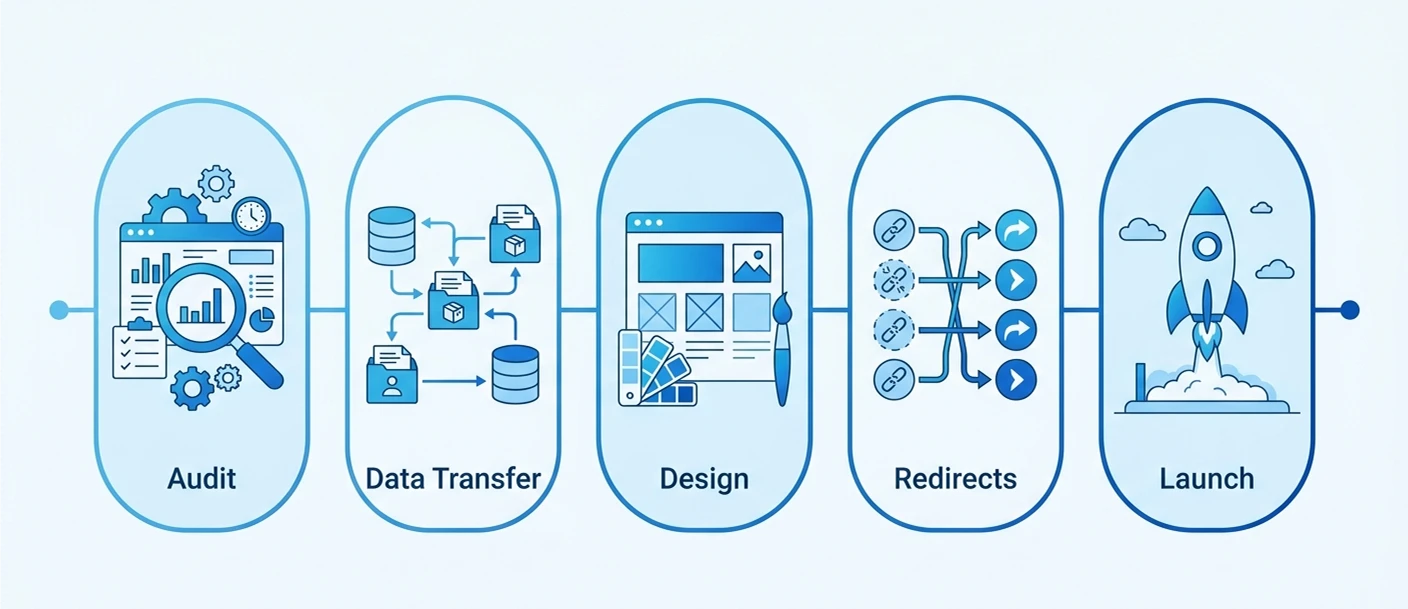
The first step is an audit and inventory. Before you move anything, you need to know what you have – products, variants, customers, orders, blog posts, pages, attributes, categories. The more precise the audit, the fewer surprises later.
The second step is data transfer. There are tools on the market like LiteExtension or Matrixify that can automatically transfer most of the data. However, for larger or more complex e-shops, it is advisable to involve an agency that can verify the integrity of the transferred data – duplicates, missing variants, or incorrectly assigned categories are common problems with automated migrations.
The third step is design and configuration. A Shopify theme is not the same as a WooCommerce theme. If you have a custom design on WooCommerce, it either needs to be adapted or rebuilt from scratch in the Shopify ecosystem. This is also the opportunity to conduct a UX review and not just launch a copy of the old site on the new platform.
The fourth step – and this is critical – is SEO. WooCommerce and Shopify use different URL structures. Where WooCommerce works with categories (/category/product), Shopify uses collections (/collections/collection/products/product). If you do not handle these changes with properly set 301 redirects before the launch, Google will see it as a disappearance of pages, and your rankings may drop significantly. According to experts from Praella, improper redirect settings are the most common reason for a decline in organic traffic after migration.
The fifth step is testing and launching. Before the official launch, you need to test the entire purchasing flow, integrations with payment gateways, notification emails, behavior on mobile devices, and loading speed. For e-shops with up to 5,000 products, migration typically takes 4 to 8 weeks, while for larger projects, it takes 3 to 6 months.
What usually improves after migration – and what does not
After a successful migration, most e-shop owners particularly appreciate predictability. Shopify simply works, and when something does not work, there is a support team to resolve it. The “plugin roulette” also disappears – you no longer have to test whether each update breaks something.
What does not automatically improve is the conversion rate. That depends on the quality of design, page speed, and overall user experience – not on the platform itself. Also, if your WooCommerce had problems with faulty content, weak product pages, or unclear navigation, Shopify will not inherit or resolve these issues.
Migration is a change of tools, not a business rescue. If the business foundation is working, the right platform will push it further. If not, simply changing the platform is not enough.
If you are considering migration and don’t know where to start, the most important first step is an audit – to know exactly what you have and what you want to achieve. If you want to do it right and without unnecessary risk to SEO and operation, we are happy to look at your situation.
Latest articles

Selected projects
Gumotex
Kategoria
E-commerce
Klient
GUMOTEX Coating s.r.o.
Trvanie
3 months

Dr. LUCULLUS
Kategoria
Custom Development
Klient
Dr. Lucullus MEDICAL
Trvanie
March 1, 2025 - present

GUMIDECK - Eshop
Kategoria
E-commerce
Klient
GUMIDECK
Trvanie
2 weeks

Pneugrup - e-shop
Kategoria
E-commerce
Klient
Pneuservis pod rondlom
Trvanie
2 months