
Eshop Security in 2026: Most Common WooCommerce Vulnerabilities and How to Protect Your Customers' Data

In 2025, 92% of successful breaches into WordPress sites came from plugins and themes. If you run a WooCommerce shop, your customer data, payment information, and reputation are at risk. Here's how to defend yourself.
Security of e-commerce in 2026: The Most Common WooCommerce Vulnerabilities and How to Protect Your Customers' Data
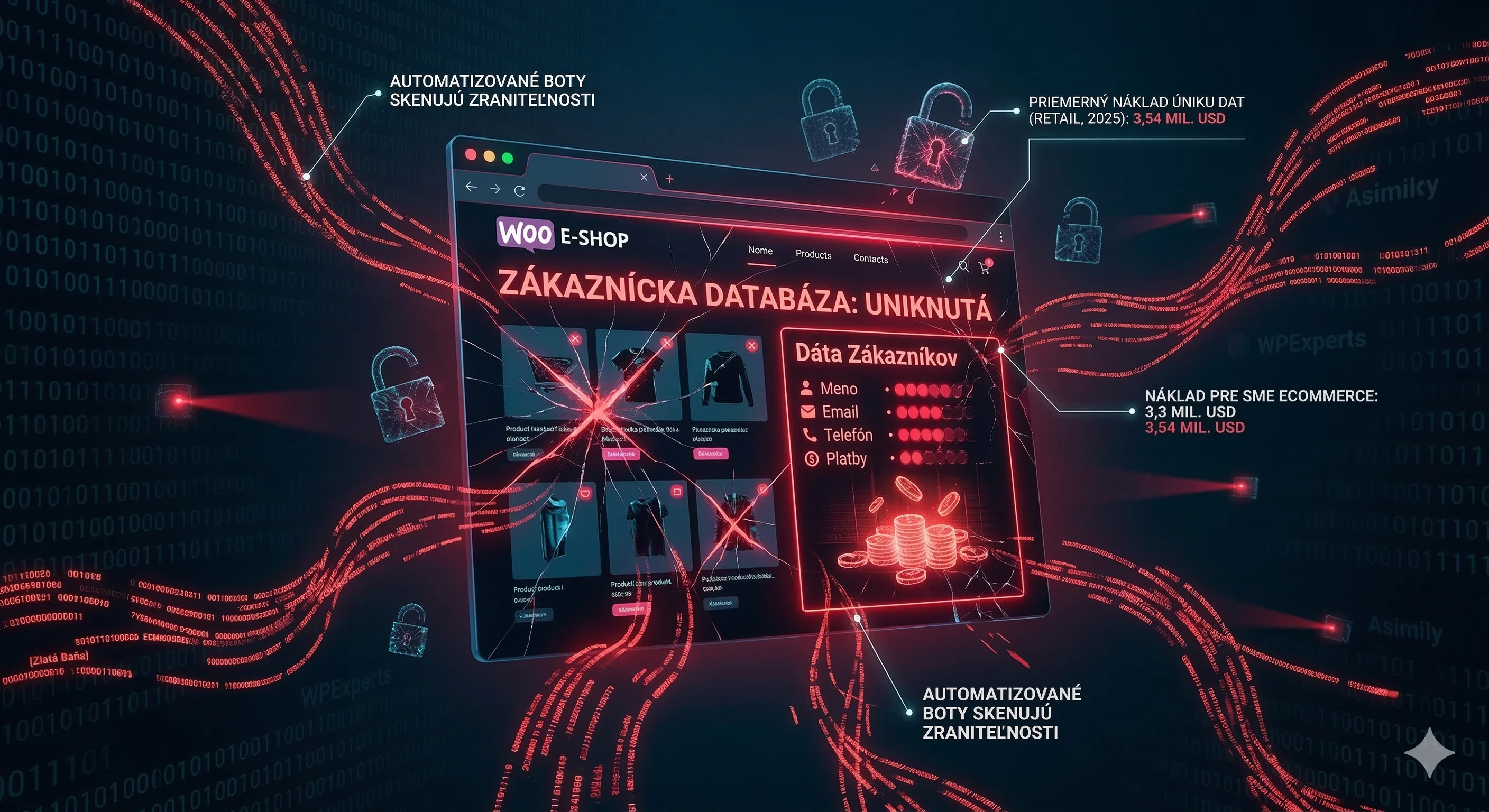
Do you run a WooCommerce shop? Then you manage a database full of names, emails, addresses, phone numbers, and payment information of your customers. For cybercriminals, this is a gold mine. And if you think it doesn't concern you because you're "just a small shop," the numbers tell a different story.
The average cost of a data breach in the retail sector reached $3.54 million in 2025. Asimily For small and medium-sized e-commerce companies, this cost hovers around $3.3 million, and that’s without accounting for damage to customer trust and brand reputation. WPExperts You don't have to be The North Face or Cartier for an attack to affect you. Automated bots scan thousands of websites daily and look for known vulnerabilities. If they find them on your site, they don't care how big your revenue is.
WordPress is secure. The problem lies with plugins.
This is a key fact that many shop owners do not understand. The core of WordPress and WooCommerce is actively maintained and secure. Vulnerabilities come from the ecosystem surrounding them.
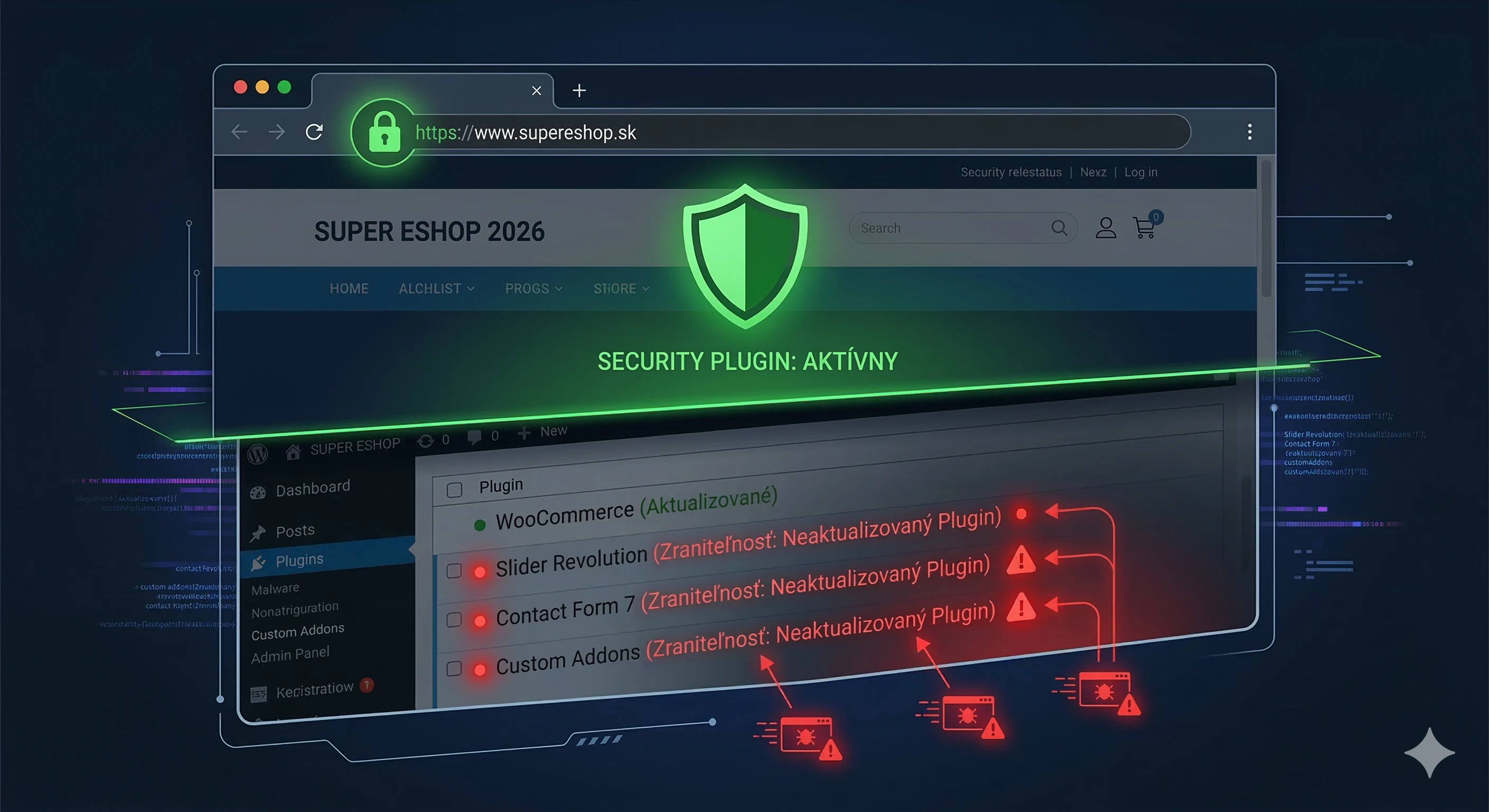
Data gathered from thousands of WordPress installations in the fourth quarter of 2025 show that 92% of all successful breaches into WordPress sites came from plugins and themes, not from the core of the system. DeveloPress In November 2025, 108 new vulnerabilities were reported in the WordPress ecosystem. Of these, 77 had a fix available, while 31 remained unpatched. DeveloPress
The average WooCommerce shop has 15 to 20 plugins installed. Each of them is a potential entry point for an attacker. WooCommerce core is highly secure when properly updated. Most vulnerabilities come from outdated or poorly coded third-party plugins. PluginHive
Most Common Types of Attacks on WooCommerce Shops
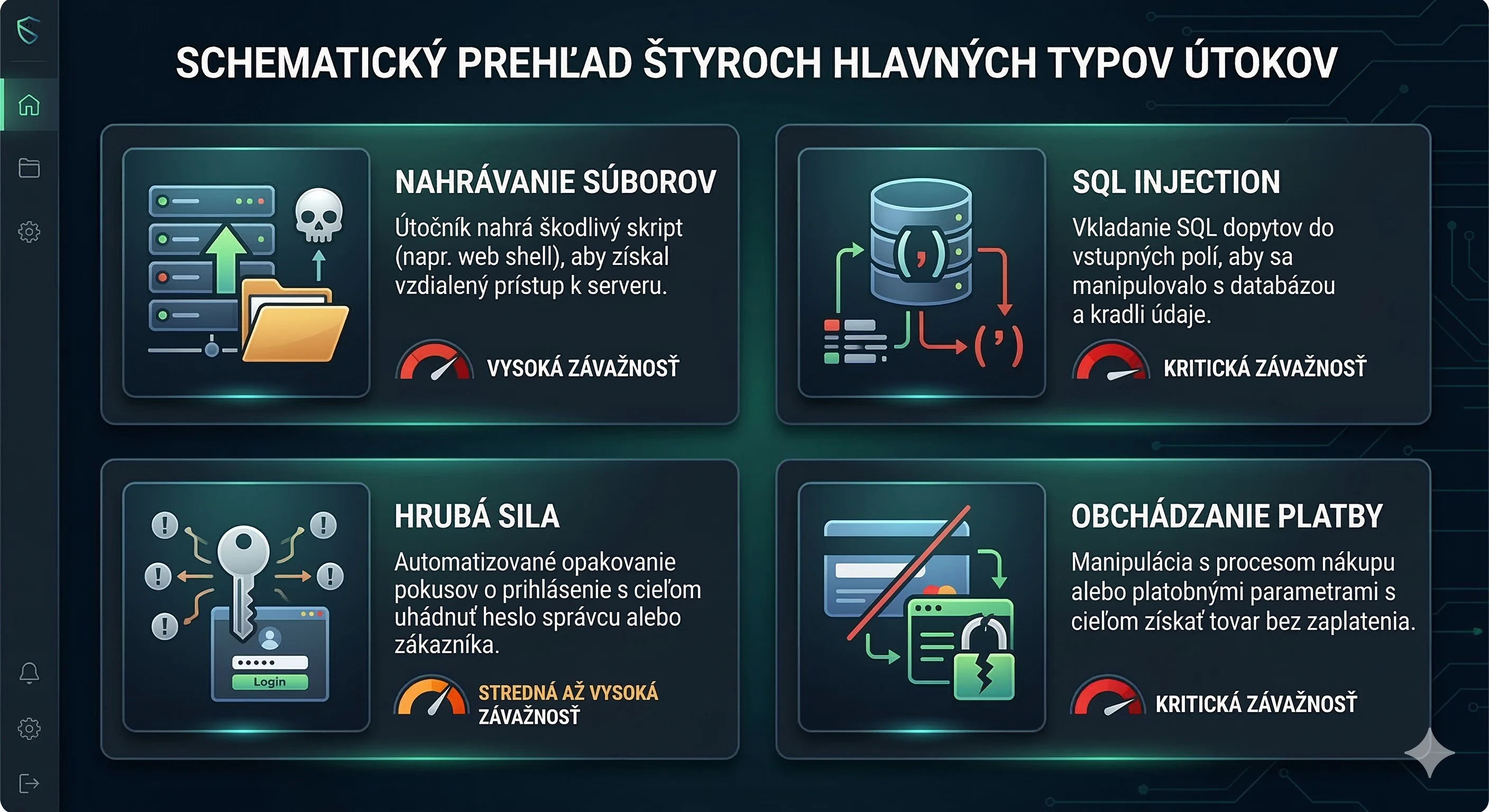
Malicious File Uploads
Vulnerabilities allowing file uploads without identity verification (arbitrary file upload) have become the most common and damaging attack vector on WooCommerce in 2025. Plugins that allowed customers to upload files to orders or forms often inadequately verified file types, allowing attackers to upload malicious PHP files directly to the server. Quttera
SQL Injection
SQL injection is among the most dangerous web vulnerabilities because it allows reading and manipulating sensitive data in the database. In 2025, these bugs appeared in several WooCommerce plugins, enabling attackers to access customer data in the background. PluginHive
Brute Force Login Attacks
Automated login attempts nearly doubled since January 2025, with a 45% year-on-year increase, largely driven by botnets using artificial intelligence. DeveloPress
Bypassing Payment Gateways
Payment gateway plugins process order status changes and communicate with payment processors. When these checks are weak, attackers can bypass the entire payment process. A vulnerability in the Campay WooCommerce Payment Gateway plugin, for example, allowed orders to be marked as "paid" without actual payment. PluginHive
Real Incidents from 2025
In December 2025, WooCommerce fixed a critical vulnerability (GHSL-2025-129) in the Store API, which could reveal order information about customers if exploited, including names, email addresses, phone numbers, shipping and billing addresses, and types of payment methods. WooCommerce Developer The engineering team had to develop patches for 23 affected versions of WooCommerce.
The British fashion giant Marks & Spencer suffered a massive cyberattack in 2025 by the group Scattered Spider, which encrypted systems and stole customer data. The estimated loss reached £300 million (approximately $400 million) due to the breach of sales. DeepStrike
The FBI recorded cyber losses of $16 billion in 2024, a 33% increase from $12.5 billion in 2023. Shopify The trend is not slowing down.
Why Traditional Security Is Not Enough
Many shop owners think they have security solved because they have a security plugin installed and an SSL certificate. The reality is more complicated.
Many compromised WooCommerce shops in 2025 had basic security measures in place. Firewalls were active, login protection was configured, and WordPress core was fully updated. Yet attacks succeeded because they exploited legitimate plugin functions, not obvious weaknesses like weak passwords. Quttera
In 2025, attackers did not need to guess passwords. They found plugins that trusted incoming requests without proper authorization verification and simply exploited them. Automated scanners identified vulnerable WooCommerce sites on a large scale and exploited them within minutes of discovery. Quttera
How to Properly Secure Your WooCommerce Shop
1. Update Everything, Immediately
The most effective defense is the simplest: regular updates. WordPress core, WooCommerce, all plugins and themes. More than 70% of vulnerabilities have a fix available at the time of reporting, yet many sites remain outdated. DeveloPress Enable automatic updates for trusted plugins and always back up before major updates.
2. Clean Up Unused Plugins
Every deactivated but still installed plugin on your server is a security risk. In December 2025 alone, over 150 plugins were removed from the official WordPress repository due to unpatched security issues or developer inactivity. DeveloPress These "zombie plugins" will never receive a patch. Go through the list and immediately delete everything you are not actively using.
3. Secure Login
Enforce strong passwords for all users with administrative access. Implement two-factor authentication (2FA). Limit the number of login attempts. Change the default login URL (/wp-admin). Regularly check the list of administrator accounts and remove inactive ones.
4. Deploy a Web Application Firewall (WAF)
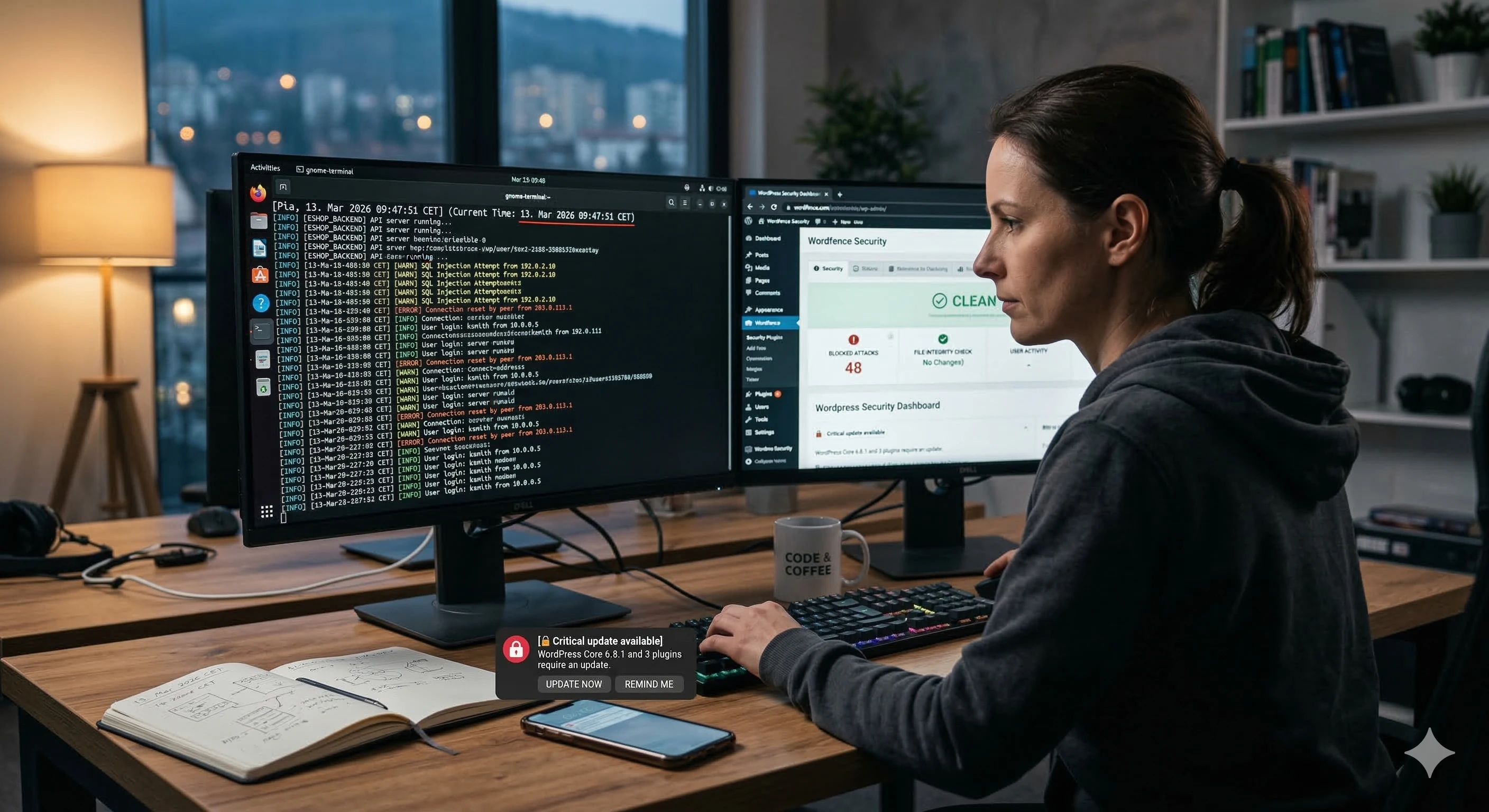
A WAF filters out malicious requests before they reach your website. Solutions like Cloudflare, Sucuri, or Wordfence can block common attacks (SQL injection, XSS, brute force) at the network level.
5. Back Up Automatically and Regularly
A backup is not protection against an attack, but it is protection against its consequences. Set up automatic daily backups of your database and files, storing them off-server (cloud storage). Regularly test whether the backups work and can actually be restored.
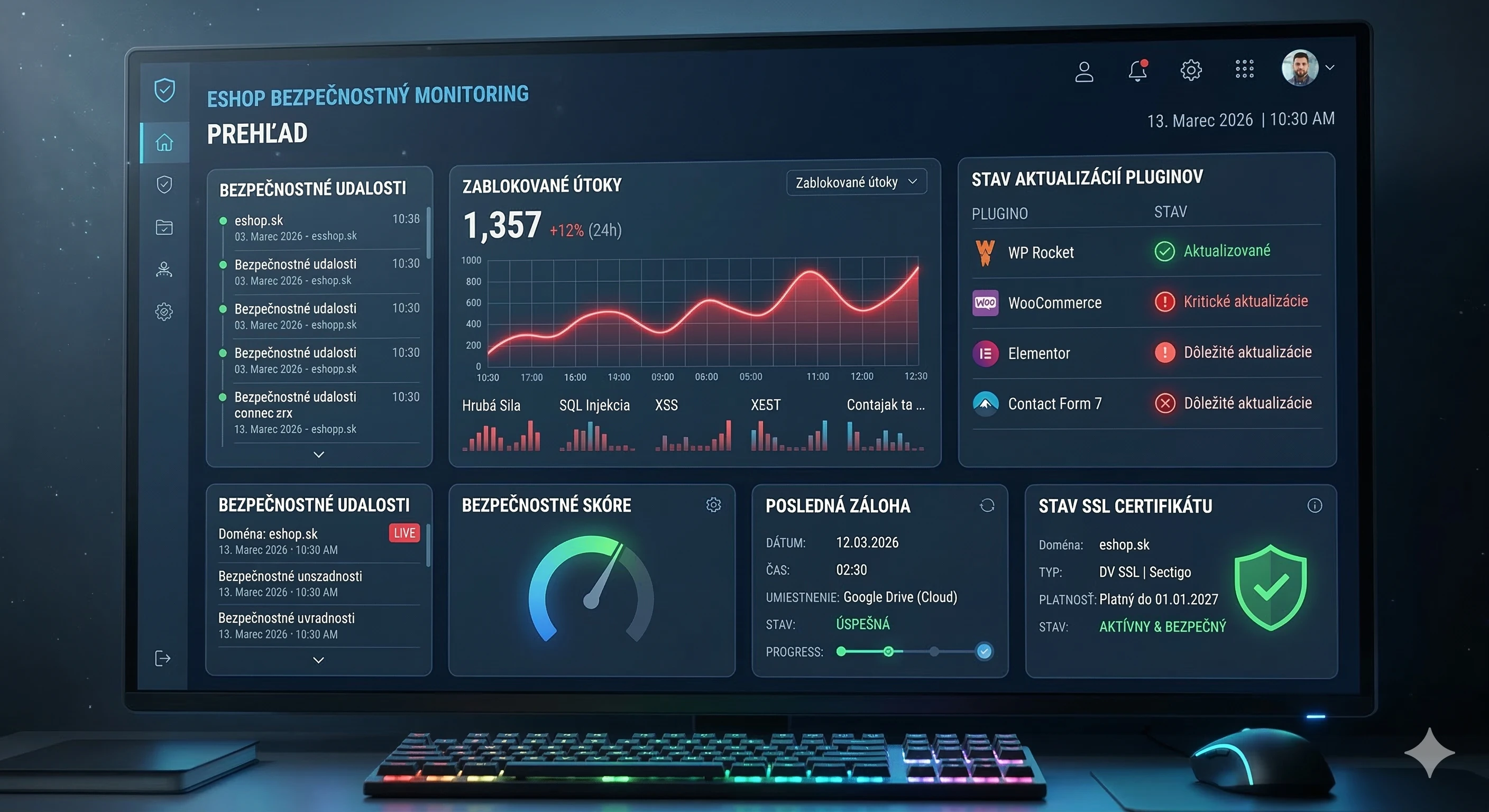
6. Monitor What Happens on the Web
Install a file integrity monitoring tool and watch for unusual activity. Monitor changes to files on the server, new or unknown admin accounts, unexpected redirects, and suspicious database queries. The sooner you detect a breach, the less damage will occur.
Special Attention: Payment Data and PCI DSS
If your shop processes payment data from customers, you must comply with the PCI DSS (Payment Card Industry Data Security Standard). In practice, this means you should never store complete payment card information on your server.
Use payment gateways that process card data on their own infrastructure (Stripe, PayPal, GoPay). The customer enters data into a form hosted by the payment gateway, and your server never accesses the sensitive data. This dramatically reduces the scope of your PCI DSS responsibility and minimizes risk in the event of a breach.
Why Address Security with an Agency
Shop security is not a one-time task. It is a continuous process that requires monitoring, regular audits, and quick responses to new threats. The human factor (phishing, errors, incorrectly submitted data) was present in 68% of all breaches in 2025. DeepStrike This means that even a perfectly configured website is at risk if the team does not follow best practices.
An agency managing your WordPress and WooCommerce infrastructure can deploy monitoring, perform regular security audits, apply patches on the day they are released, and respond immediately in the event of an incident. It is an investment that pays off at the first averted attack.
According to Verizon, 81% of customers would stop shopping with a company online if they learned of a data breach. Verizon The loss of customer trust is damage from which a small shop may never recover.
Conclusion: Security is Not an Expense, It’s Insurance
Every day that your shop operates without a security audit, with outdated plugins and without monitoring, is a day when you risk losing customer data, financial damages, and reputation collapse. Cybercriminals do not wait and do not distinguish between large and small shops.
Start with an audit. Go through your plugins, update what needs to be updated, delete what you don’t need, and set up monitoring. And if you want to be sure that your shop is protected at a professional level, contact a team that handles WordPress security daily.



Selected projects
Gumotex
Category
E-commerce
Client
GUMOTEX Coating s.r.o.
Duration
3 months

Dr. LUCULLUS
Category
Custom Development
Client
Dr. Lucullus MEDICAL
Duration
March 1, 2025 - present

GUMIDECK - Eshop
Category
E-commerce
Client
GUMIDECK
Duration
2 weeks

Pneugrup - e-shop
Category
E-commerce
Client
Pneuservis pod rondlom
Duration
2 months