

Website Redesign without Losing SEO: How to Safely Transition to a New Website and Maintain Google Rankings

A new website is an exciting step. But without the right migration strategy, you could lose months of SEO building in a single weekend. Here’s how to do it right.
Website redesign without losing SEO: How to safely transition to a new website and not lose positions in Google
Your website looks outdated, is not loading fast enough, and conversions are declining. The decision for a redesign makes sense. However, if you jump into it without a well-thought-out migration strategy, you risk something that many companies find out only when it’s too late: a drop in organic traffic that can last for months.
This is not an uncommon scenario. According to a study published on Create and Collab, recovering previous levels of traffic after migration can take an average of up to 523 days, and some websites may not fully recover even after 1,000 days.
Create and Collab According to an analysis by Sixth City Marketing, over 95% of websites suffer from issues with 300-level redirects Sixth City Marketing, which is one of the most common pitfalls in redesign.
This article is a practical guide on how to avoid it. Whether you are transitioning from an old template to a custom solution, changing the domain, or completely rebuilding the architecture, these steps will help you preserve what you have built in SEO for years.
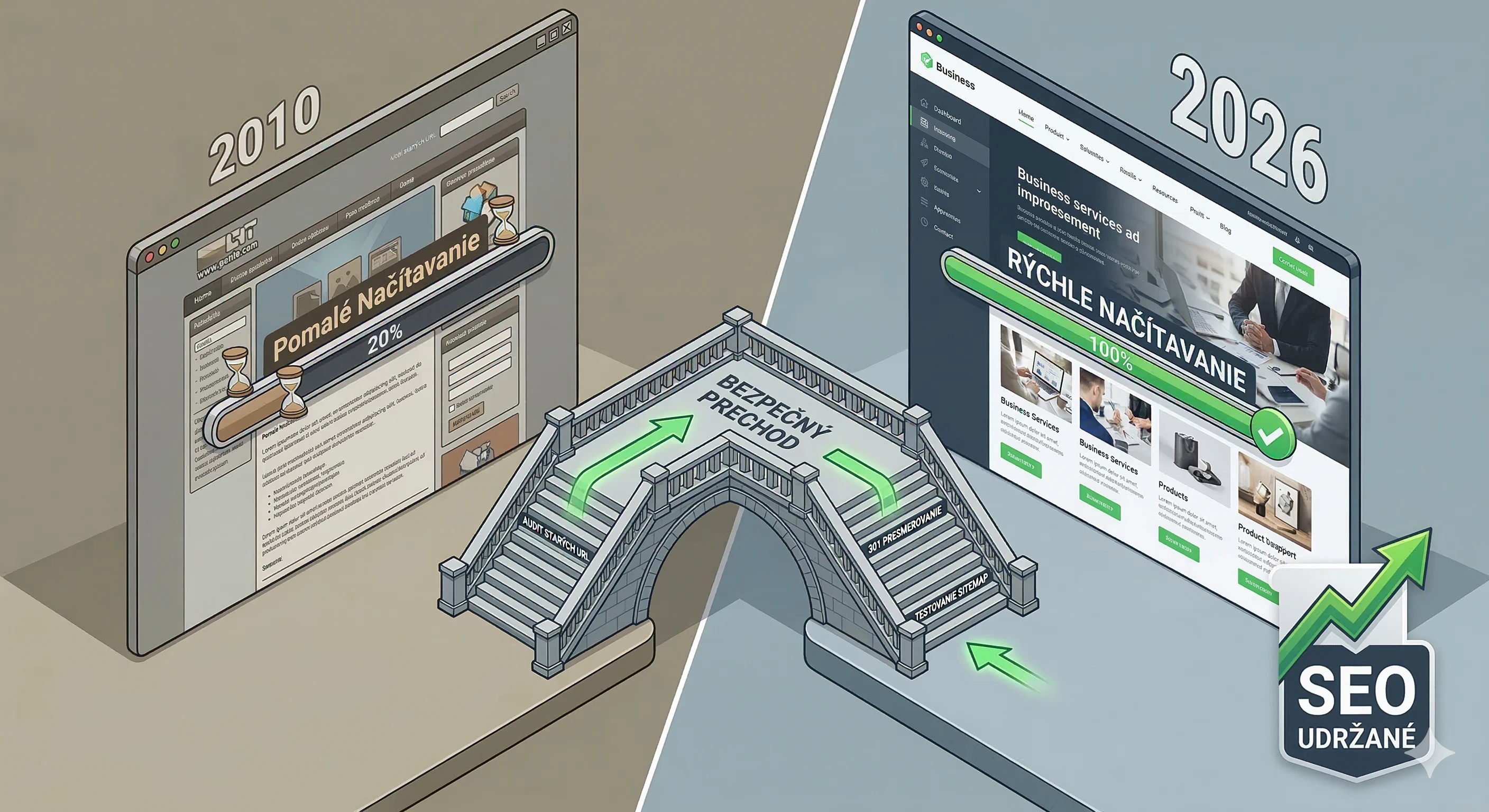
Why redesigning is risky for SEO
Google indexes your website based on specific URL addresses, content structure, internal links, and technical signals. When you change any of that without telling Google what has happened, its crawler simply loses orientation.
As John Mueller from Google explained in a post on Search Engine Journal, changing CMS, restructuring the website, or significantly altering design and internal linking can greatly impact site performance in search Search Engine Journal.
Mueller also warns that if you make all the changes at once, you will never know exactly what caused the drop and what needs to be fixed Search Engine Journal.
The most common issues after a redesign include changing URL structure without redirects, removing or relocating content that generated traffic, losing meta tags and structured data, slowing down the website due to new code or unoptimized images, and breaking internal linking.
According to Newwave Design, losing functionality that users actively used (like a search bar or calculator) can negatively impact SEO, even when the new page visually looks better. Newwave Design
Step 1: Audit before redesign
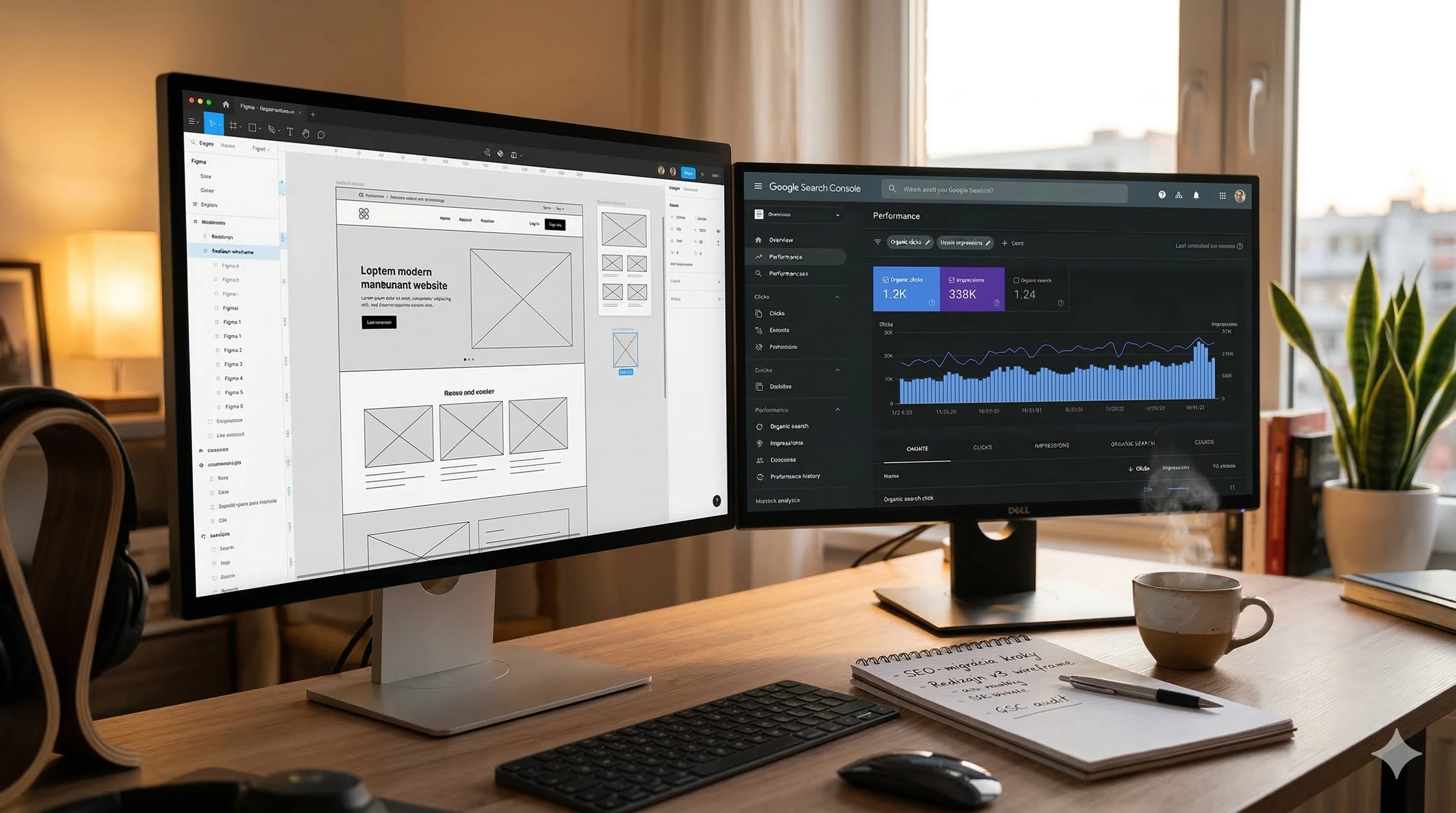
Before Figma opens and the new layout design begins, you need a detailed picture of the current state. This is not an optional step. It is the foundation of the entire migration.
Start with a complete SEO audit of your existing website, checking which pages generate the most traffic and why, the quality of the content, and how internal linking works.
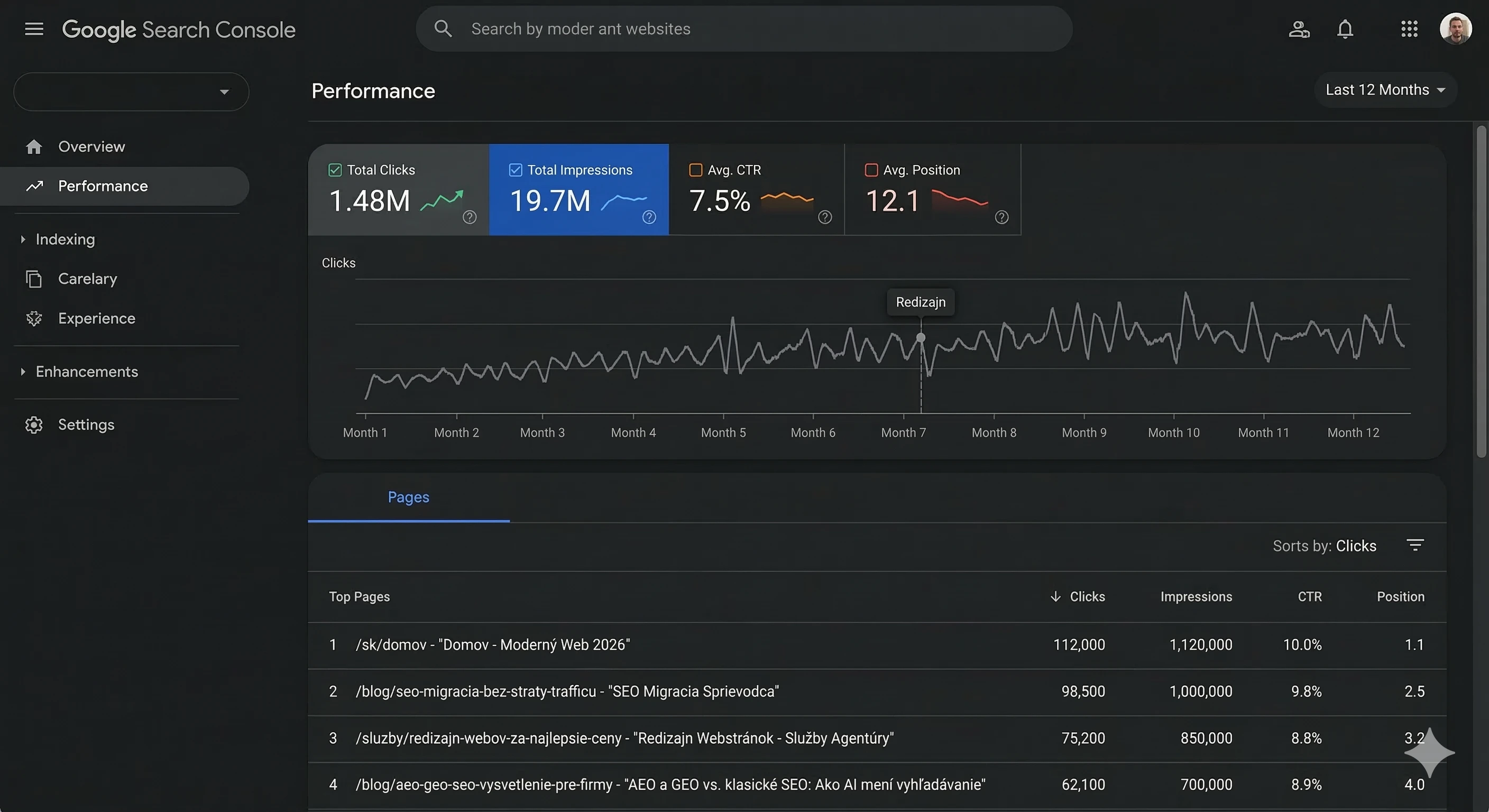
HawkSEM For crawling pages, we recommend Screaming Frog or Sitebulb. Export a list of all URLs, their HTTP status codes, meta tags, headings, and canonical links. Also, download data from Google Search Console about which pages generate the most organic traffic and what keywords they rank for.
This list is your map. Every page that brings traffic must have its equivalent or proper redirect in the new website.
Step 2: URL mapping and redirects
This is the most critical technical step of the entire migration. Every old URL must have a clearly defined destination in the new structure.
If the URL does not change (for example, /services remains /services), no action is needed. But if you change the structure (for example, from /services/web-design to /web-creation), you must set up a 301 redirect. According to Google, a properly implemented 301 redirect transfers approximately 90 to 99% of the SEO value from the old URL to the new one. BacklinkManager Not 302. A permanent 301 redirect explicitly tells Google that the content has been permanently moved.
John Mueller explained in a Google Webmaster Hangout that Google uses 301 redirects to select the canonical URL and concentrate all signals on it. Search Engine Journal At the same time, he warned that if you redirect an old URL to a completely different page (not its direct equivalent), Google may treat it as a soft 404 and transfer no SEO value. Search Engine Journal
Create a table: old URL, new URL, type of redirect, priority based on traffic. Start with pages that have the highest organic performance.
Step 3: Preserve content that works
Redesign does not mean you have to rewrite everything from scratch. If you have blog posts or product pages that consistently drive organic traffic, their content should be preserved or only slightly improved.
A common mistake is that during the new design, textual content is drastically shortened because "not that much text fits on the new site." However, that very text is the reason Google displays the page. As Glide Design states, if you had good positions before the redesign and you removed the content, Google will find during reindexing that the content on the page is no longer there, which can significantly harm your positions. Glidedesign
A simple rule applies: content that generates traffic should not be changed without data analysis. Everything else can be rewritten freely.

Step 4: Technical check of the new website
The new design is complete, content moved, redirects set up. However, before launching, you must verify that the new website meets the technical SEO requirements at least to the level of the original one.
What to focus on: loading speed (Core Web Vitals), mobile responsiveness, correct setup of canonical URLs, functional XML sitemap, presence of robots.txt, structured data (schema markup), and correct meta tags on each page.
Google officially integrated Core Web Vitals into its ranking algorithm in 2021, and their importance has only grown since then. Websites that fail in these metrics risk losing positions to competitors with a better user experience. Sky SEO Digital The currently three key metrics are Largest Contentful Paint (LCP) for loading speed, Interaction to Next Paint (INP) for interactivity, and Cumulative Layout Shift (CLS) for visual stability.
Research shows that pages loading within 2 seconds have a bounce rate of around 9%, while at 5 seconds, this figure jumps to 38%. ClickRank Pay special attention to images. A new design often brings larger and higher-quality visuals, which is great for users, but without compression and modern formats (WebP or AVIF), it can dramatically slow down the website.
Step 5: Launch and monitoring
Launch day is not the end of the process. It is the beginning of the most important phase: monitoring.
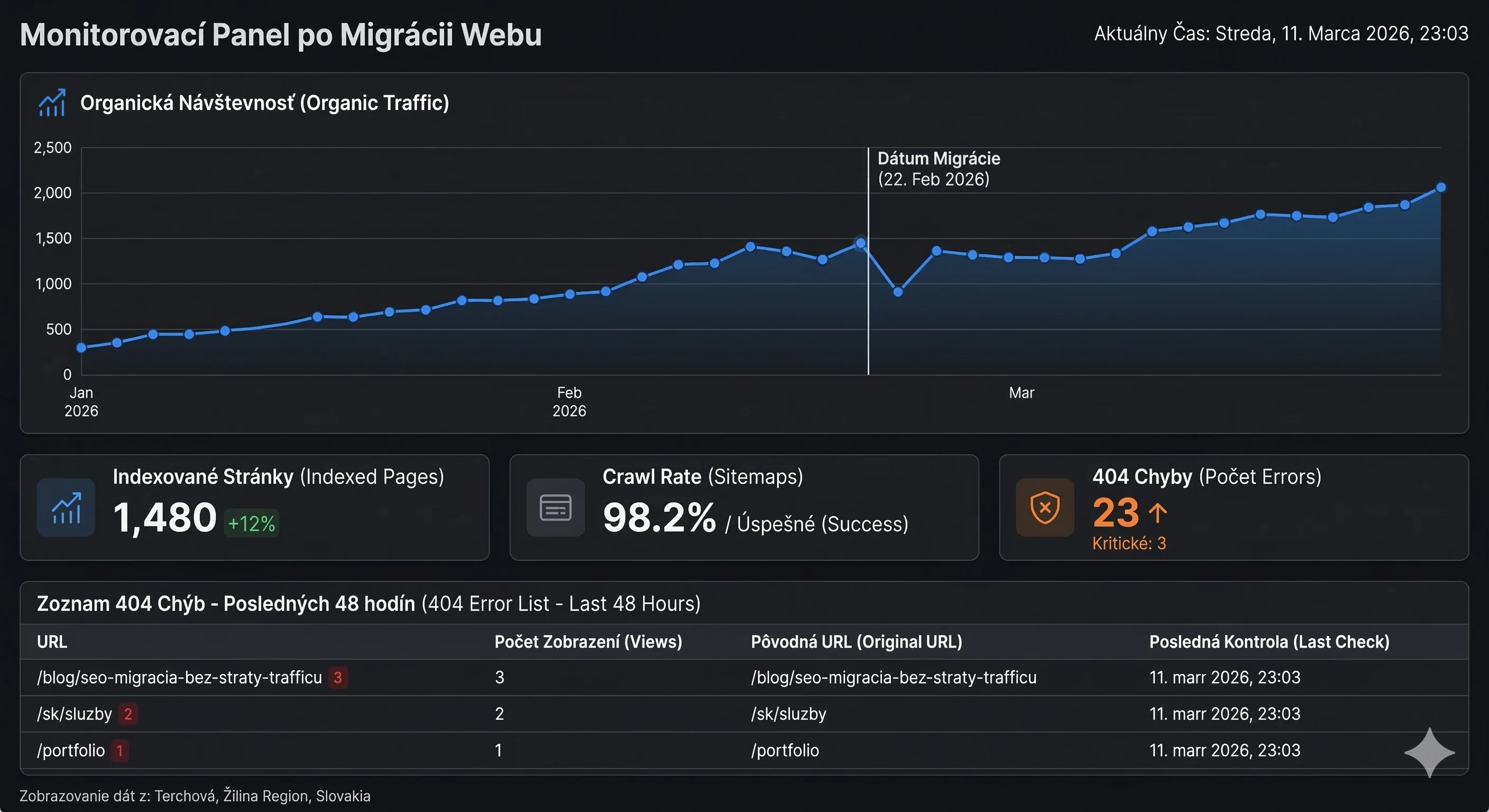
Immediately after deploying the new website, submit the updated sitemap through Google Search Console and request indexing of the new URLs. Monitor indexing and any crawling errors daily. In Google Analytics, compare key metrics: the number of page views and unique users, bounce rate, traffic sources, and especially changes in organic traffic, which can signal SEO issues. HawkSEM
Minor fluctuations in the first few days after the redesign are normal. If the drop does not exceed 10% and lasts less than a week, it may not indicate a serious problem. Google needs time to recrawl and index the new pages. WebFX If, however, traffic continues to decline significantly after three weeks, it means something failed in the migration, and action must be taken immediately.
Special situations: Changing domain and platform
If you are also changing the domain during the redesign (for example, from .sk to .com or from a brand name to a new one), the complexity of the migration significantly increases. According to John Mueller, moving a website from one domain to another is relatively straightforward for Google as long as it is a 1:1 content redirect, because Google can transfer all signals directly. Insignia SEO In Google Search Console, there is a Change of Address feature that needs to be set up correctly.
The same applies when changing platforms. Mueller pointed out in a Reddit discussion in 2018 that the biggest impact comes from changing a large number of URLs at once, as reprocessing them always takes time. Suganthan Each platform has its own technical specifics, and without expert guidance, it is easy to overlook something.
Why not do it yourself
Website migration is not just a technical task. It is a strategic process where SEO, UX, development, and content strategy intersect. Are you missing a single 301 redirect on a page that generated 30% of your traffic? You will feel the consequences in your revenue.
According to data from Sixth City Marketing, investments in better user experience and responsive design can yield a return of up to 9,900%. Sixth City Marketing On the other hand, 88% of users will not return to a website with a negative experience Sixth City Marketing. An agency that handles both redesigns and SEO under one roof can eliminate these risks because both teams work on the project simultaneously from day one.
Conclusion: A new website yes, but with a plan
A website redesign is one of the best investments you can make for your business. A faster, more beautiful, and functional website provides a better first impression, higher conversions, and a stronger brand. But only if you do not lose what you have built over years in organic search.
Plan the migration as carefully as you would the design itself. Audit, map, test, and monitor. And if you're unsure you can handle this without risk, turn to a team that does redesigns and SEO migrations every day.
For our team at METINAS, transferring a website according to the process mentioned in this article is routine. It is something we consider an absolute foundation of the service we offer. If you are considering something similar, don't hesitate to contact us, we would be happy to consult with you about the issue and problem you are facing with your website.




Selected projects
Novanta Prievoz
Category
Custom Development
Client
Proxin s.r.o.
Duration
3 weeks

Harbor Equity
Category
Website Creation
Client
Harbor Equity a.s.
Duration
2 weeks
